PDF to JPG vs PNG: which should you choose?
Short answer
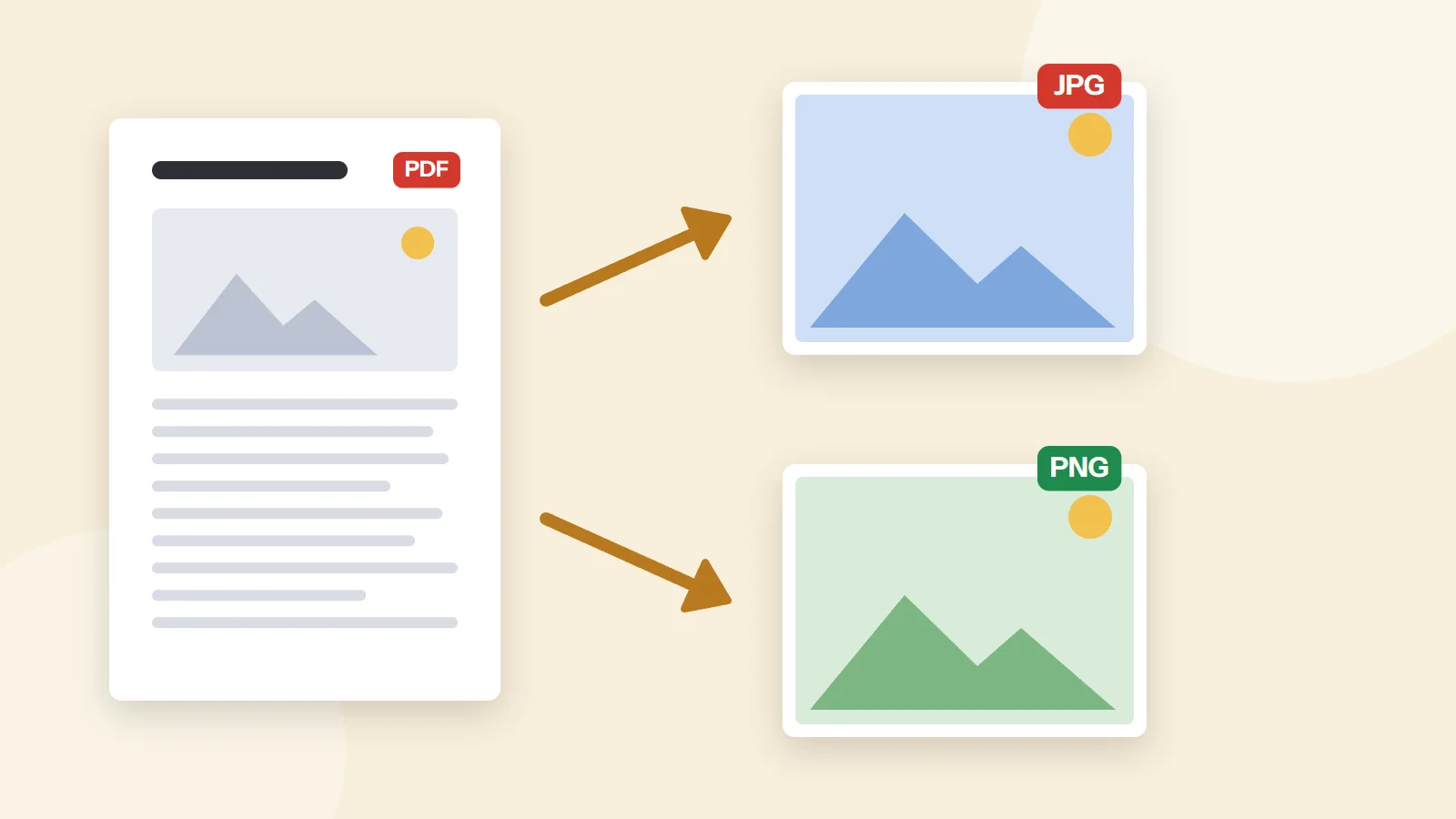
Choose PNG when converting PDF pages that are mostly text, charts or line drawings, because PNG is lossless and keeps edges crisp. Choose JPG for photo-heavy pages or when you need small files for web and email. For resolution, 72 DPI suits screens, 150 DPI is a good default, and 300 DPI is best for print.
Open PDF to JPGKey takeaways
- PNG = lossless, sharp text, larger files.
- JPG = lossy, smaller files, great for photos.
- DPI matters more than format for print quality.
Side-by-side comparison
JPG uses lossy compression tuned for photographs; it produces small files but can create soft halos around sharp text. PNG stores every pixel exactly, which keeps text and diagrams razor-sharp at the cost of larger files, often several times bigger than JPG for the same page.
Which DPI should you use?
- 72 DPI: thumbnails, web previews, quick sharing.
- 150 DPI: presentations, documents, social posts.
- 300 DPI: printing, OCR, zooming into detail.
Quick recommendations
- Slides into PowerPoint or Google Slides: PNG at 150 DPI.
- Instagram or LinkedIn post from a brochure: JPG at 150 DPI.
- Archiving a signed page: PNG at 300 DPI.
- Emailing many pages: JPG at 150 DPI, then ZIP.
Questions and answers
Can I convert images back to PDF?
Yes. Use JPG to PDF or PNG to PDF to combine images into a single PDF.
Does converting PDF to image keep text searchable?
No. Images contain pixels only. Use PDF to Text if you need the words.
Tools from this guide
How we checked this guide
We ran the PDF Lemon steps ourselves on the live tools. Steps for other apps come from each vendor's own help pages and are worded to survive small interface changes, but menu names can differ between versions.
Related guides
- How to Insert a PDF into Word7 min read
- How to Copy Text from a PDF7 min read
- How to Convert PDF to Word7 min read
- How to Turn a Picture into a PDF7 min read
- How to Open a PDF in Word7 min read