What Is a PDF Reader?
Short answer
A PDF reader is software that opens and displays PDF files. Most readers can also search, print, zoom and fill in forms, and many let you add comments. You probably have one already: Chrome, Edge, Firefox and Safari all open PDFs, and Macs include Preview. A reader differs from a PDF editor, which can change a document's content.
Open Edit PDFKey takeaways
- A PDF reader, also called a PDF viewer, opens and displays PDF files.
- Every major web browser is a PDF reader, so you likely don't need to install anything.
- Readers view and annotate. Editors change the content and structure of the document.
- Install a dedicated reader if you often work with complex forms or certificate-based signatures.
What does a PDF reader do?
A PDF reader is a program that understands the PDF format and draws its pages on your screen. A PDF file is a set of instructions describing what goes where on each page, so something has to interpret those instructions and turn them into a page you can read. That something is the reader.
You'll also see the term PDF viewer. In everyday use, the two mean the same thing, and which name you see usually comes down to the company's branding. Whether it's called a reader or a viewer, the core jobs are the same.
- Display pages accurately, with the right fonts, images and layout.
- Navigate by scrolling, jumping to a page, or using bookmarks and links.
- Search for words, provided the PDF contains real text.
- Zoom and rotate the view for comfortable reading.
- Print the document.
Most modern readers go further. Many let you fill in forms, highlight passages, add comments and place a signature. Some can check whether a digital signature is valid, and some can read a document aloud for people who use assistive technology.
What is a PDF reader vs a PDF editor?
It's easy to confuse the two, as readers have picked up so many features over the years. The dividing line is this: a reader works with a document as it is, while an editor changes the document itself.
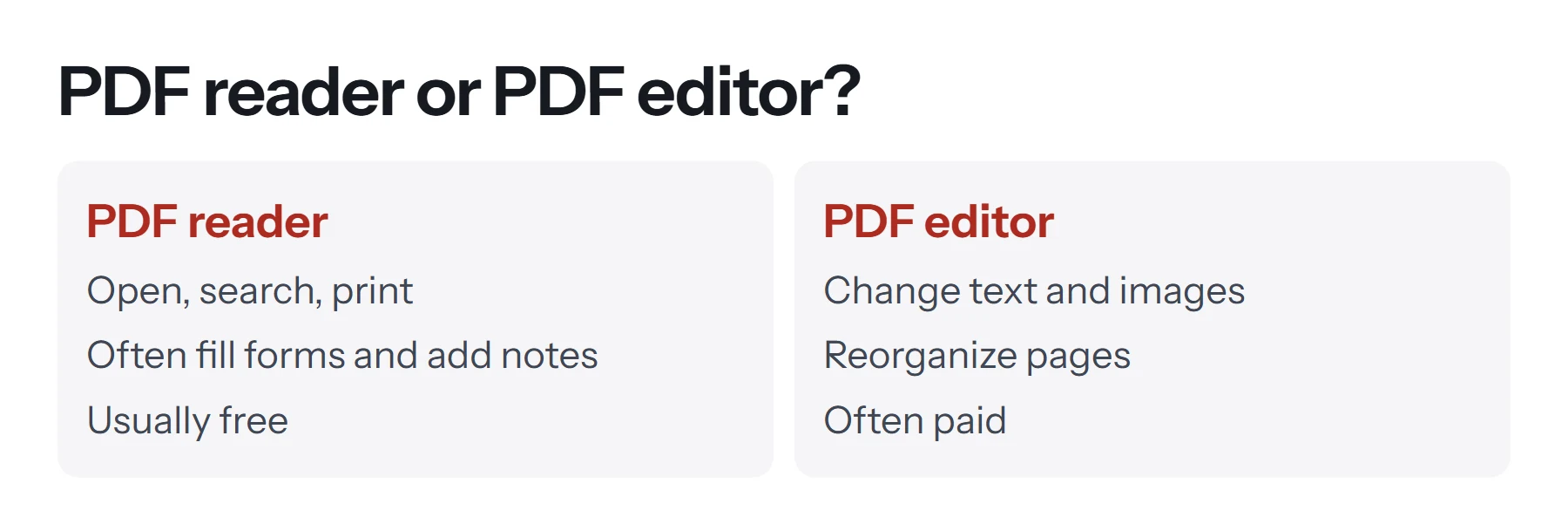
| Task | PDF reader | PDF editor |
|---|---|---|
| Open and read | Yes | Yes |
| Search and print | Yes | Yes |
| Fill in a form | Usually | Yes |
| Add highlights and comments | Usually | Yes |
| Add a new line of text | Sometimes | Yes |
| Change existing words | No | Yes |
| Replace images | No | Yes |
| Reorder or delete pages | Rarely | Yes |
| Create a form with fields | No | Usually |
In practice, you often don't need to choose between these. You can read PDFs in your browser and turn to a free tool such as PDF Lemon for one-off jobs like adding text, reordering pages or combining files. For a fuller picture of what's possible, see how to edit a PDF.
Do you already have a PDF reader?
Almost certainly. Modern devices ship with at least one, and you don't have to install anything to read a typical PDF.
Web browsers
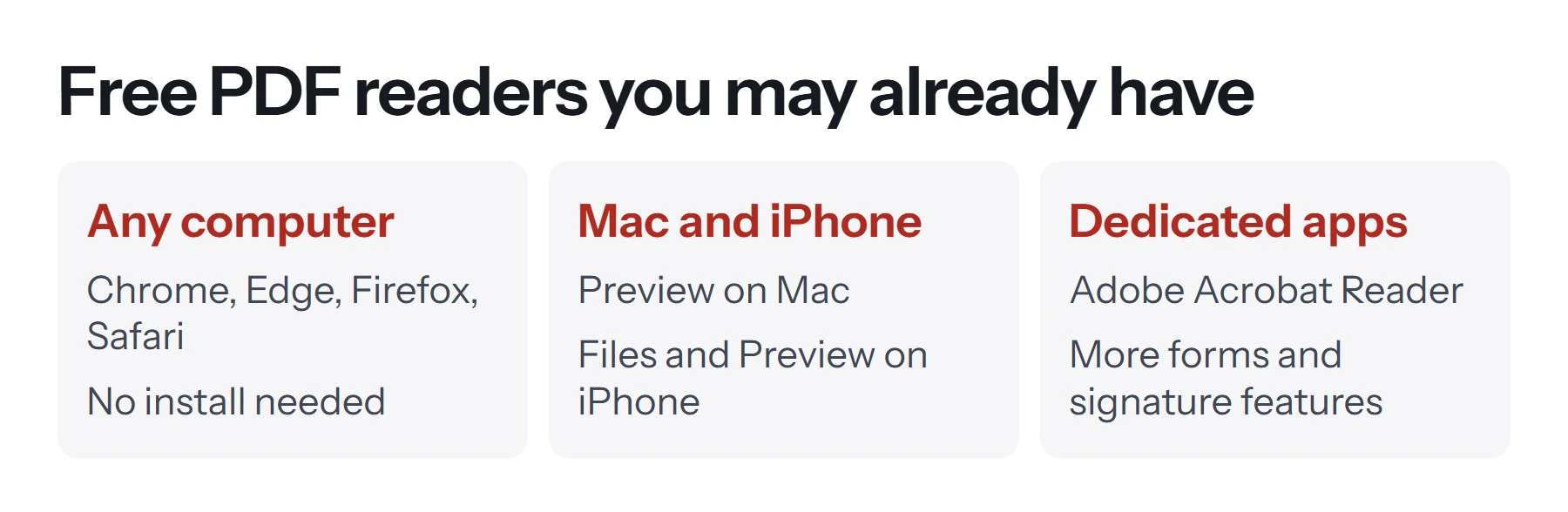
Chrome, Edge, Firefox and Safari can all display PDFs. Drag a PDF into a browser window, or click a PDF link, and it opens right there. Browsers have become quite capable. Chrome's viewer can add text, draw, and sign with its pen tool. Firefox's can fill in form fields, add text and insert images.
There's one limitation to note. Mozilla points out that signatures added in the Firefox viewer are simple annotations rather than legally binding e-signatures, and they don't authenticate the signer. For most casual agreements that's fine, but it's worth reading how to sign a PDF if the document matters.
Windows
On Windows, Microsoft Edge is usually the default PDF reader, so double-clicking a PDF opens it there. You can change the default app in Windows settings if you prefer another program.
Mac
Macs come with Preview, which opens PDFs and images. It's better than most people realize: it can fill in forms, add signatures, reorder pages and reduce file size. See how to edit a PDF on Mac for free.
iPhone and iPad
The Files app displays PDFs, Safari opens them from the web, and recent iOS versions include a Preview app with tools for working with PDFs and images.
Android
Android phones typically open PDFs through a built-in file viewer or a Google app, depending on the manufacturer. Chrome on Android can open them as well. If tapping a PDF does nothing, a free reader from Google Play will fix that.
When should you install a dedicated PDF reader?
A browser handles reading fine, so a separate app is only worth installing if you've got a specific need.
- Complex forms. Some government and legal forms use advanced features that only a full reader handles properly. If a form looks empty or broken in your browser, try Adobe Acrobat Reader.
- Checking digital signatures. If you receive certified documents, a dedicated reader can show whether the certificate is valid and whether the file has changed since signing.
- Heavy reading. If you spend hours a day in PDFs, a dedicated reader may offer better bookmarks, note management and side-by-side views.
- Accessibility. Read-aloud features and screen reader support vary between apps, so it's worth trying several.
If none of these apply, skip the install. Fewer apps means fewer things to keep updated.
What should you look for in a PDF reader?
If you do go looking, these are the features that actually separate one reader from another.
| Feature | Why it matters |
|---|---|
| Accurate rendering | Pages should look exactly as designed, including unusual fonts and scanned images |
| Form support | Needed for applications, tax forms and contracts |
| Search speed | Matters for long reports and manuals |
| Security updates | PDFs can carry scripts, so an unmaintained reader is a risk |
| Signature validation | Needed if you receive digitally signed documents |
| Accessibility | Screen reader and reflow support help many users |
| Price and ads | Free readers vary a lot in how pushy they are about upgrades |
Are PDF readers free?
Readers almost always are. Because PDF is an open standard, many companies make free readers, and browser viewers come at no extra cost. The cost tends to appear when you need editing. Adobe, for example, offers a free reader and a paid editor. Be cautious with lookalike download sites and "free" readers bundled with other software. Stick to well-known names and download them from the official site or your device's app store.
How do you set your default PDF reader?
If PDFs keep opening in the wrong app, you can change this.
On Windows: open Settings, go to Apps, then Default apps, search for .pdf, and choose the app you want. You can also right-click a PDF, choose Open with, and select Choose another app.
On a Mac: select a PDF in Finder, choose File, then Get Info, pick an app under Open with, and click Change All.
In a browser: if your browser downloads PDFs instead of showing them, look in its settings for the PDF option. In Chrome, for instance, it's under privacy and site settings, in the PDF documents section.
How do you search inside a PDF?
Every reader includes a search function, and it's the fastest way through a long document. Press Ctrl+F on Windows or Cmd+F on a Mac, type a word, and the reader jumps to each match. If it finds nothing and you can see the word on the page, the PDF is probably a scan with no real text behind it. In that case, you'll need OCR before any search can work.
Can a PDF reader read a document aloud?
Many can. Microsoft Edge has a built-in read-aloud feature for PDFs, and Adobe Acrobat Reader includes one in its view options. These work only when the PDF holds real text, so a scan stays silent until it's been through OCR. A properly tagged PDF also gives screen readers headings and reading order, which makes long documents far easier to navigate.
Why won't my PDF open?
Most problems with opening PDFs have a simple cause.
The download didn't finish. Download it again, and check that the file size looks sensible. A 2 KB "report" isn't really a report.
It's password-protected. A dialog asks for a password. If you don't have it, you'll need to ask whoever sent the file. See how to remove a password from a PDF if you do know it.
The file is damaged. Try another reader, because some are more forgiving. If none work, ask the sender for a fresh copy.
It's not really a PDF. An email attachment may have been renamed, or a web link may have saved an error page. Be careful with this one, particularly if the file arrived unexpectedly.
A form shows a "please wait" message. Some forms are built with an older technology that only certain readers display. Open it in Adobe Acrobat Reader rather than your browser.
Is it safe to open PDFs in a reader?
Generally, yes, as long as you take the same care as with any file. PDFs can contain scripts, links and attachments, and attackers occasionally abuse them. Keep your browser and reader updated, since updates patch security holes. Be suspicious of PDFs you weren't expecting, particularly ones that urge you to click a link or enter a password. Browsers offer a helpful layer of protection here, because they run their PDF viewers inside the same sandbox they use for web pages.
If you're working with a sensitive document and need to do more than read it, be careful about where you upload it. Our guide to whether online PDF tools are safe explains the difference between tools that upload your file and tools that work on your device.
What's the difference between reading and extracting text?
A reader displays a page, but sometimes you want the words themselves, to quote them or reuse them elsewhere. Most readers let you select and copy text. When that's blocked or awkward, PDF to Text pulls out the text from every page at once. If the PDF is a scan, there's no text to extract until it's been through OCR. Our guide on how to copy text from a PDF covers each situation.
Questions and answers
What is a PDF reader used for?
It's used to open and read PDF files, search them, print them, and often to fill in forms and add comments or signatures.
What is the difference between a PDF reader and a PDF viewer?
In everyday use they mean the same thing. Both open and display PDFs. Some companies use one name or the other for their product.
Do I need to install a PDF reader?
Usually not. Web browsers and the built-in apps on Mac and iPhone can open PDFs. Install a dedicated reader if you handle complex forms or need to validate digital signatures.
Is Adobe Reader the only PDF reader?
No. PDF is an open standard, so many apps can read it. Adobe Acrobat Reader is popular, but browsers, Preview and many other apps also open PDFs.
What is a PDF reader for Android?
Many Android phones include a file viewer or a Google app that opens PDFs. Chrome on Android can also open them, and dedicated reader apps are available on Google Play.
Can a PDF reader edit a PDF?
Most can add comments, highlights and form answers, and some can add text. To change the existing content, you need an editor, or the original source document.
Tools from this guide
How we checked this guide
We ran the PDF Lemon steps ourselves on the live tools. Steps for other apps come from each vendor's own help pages and are worded to survive small interface changes, but menu names can differ between versions.
Sources we used:
Related guides
- What Is a PDF? Meaning, Uses, and Features7 min read
- How to Remove a Password from a PDF7 min read
- PDF SEO: optimize PDFs for Google and AI search1 min read
- How to Convert Google Docs to PDF7 min read
- How to Digitally Sign a PDF8 min read